Key Takeaways
- Slow load times, poor mobile experience, unclear messaging, and missing calls-to-action are among the fastest ways a website loses visitors before they convert.
- Outdated content and a high bounce rate (above 70%) both signal deeper trust and relevance problems that hurt search visibility over time.
- Adding social proof like testimonials, client logos, and visible reviews is one of the simplest, highest-impact fixes for building visitor trust.
Why Your Website Is Your #1 Salesperson
While you're sleeping or in a meeting, your website is out there working on your behalf — answering questions and either winning over potential customers or sending them to a competitor. Visitors form an opinion about your website in just 0.05 seconds. If it looks outdated, loads slowly, or feels confusing, that impression is already locked in.
Sign #1: Slow Load Times
If your site takes more than three seconds to load, the majority of visitors are already gone — and it doesn't matter how great your product is if people never stick around to see it. Google also factors page speed into its ranking algorithm.
Fix it: run a free speed test (Google PageSpeed Insights), compress images (TinyPNG), upgrade your hosting plan if it's outgrown a budget tier, and remove unused plugins or scripts.
Want help implementing this in your business?
Book a CallSign #2: Poor Mobile Experience
Over 60% of all web traffic now comes from mobile. A site that looks broken or cramped on a small screen signals your business is behind the times — and Google's mobile-first indexing suppresses your visibility further as a result.
Fix it: test with Google's Mobile-Friendly Test tool, switch to a responsive theme, and make buttons and forms easy to tap and complete on a touchscreen.
Sign #3: Unclear Messaging
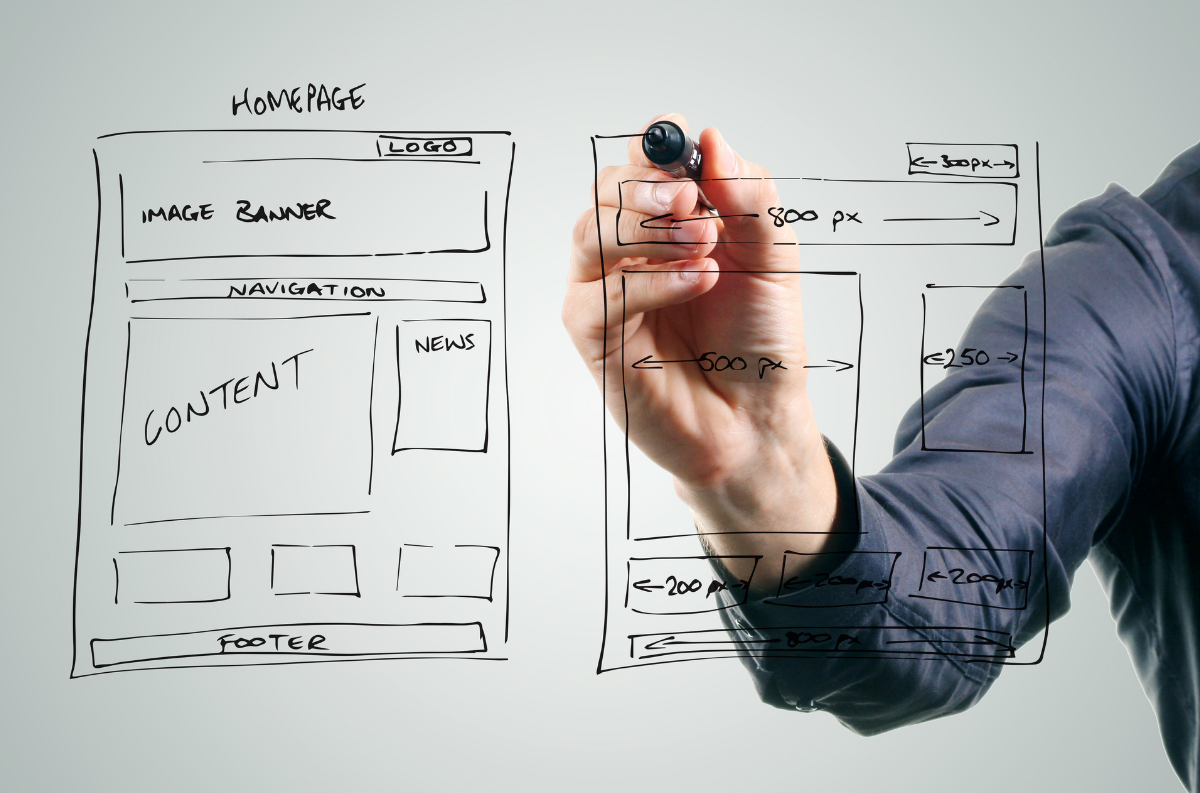
You have just a few seconds to communicate who you are, what you do, and why a visitor should care. A vague headline or cluttered layout makes people work too hard — and confused visitors don't stay.
Fix it: write a sharp, specific headline that answers who you help and what you help them accomplish, add a concise value statement beneath it, and eliminate jargon — read your copy out loud and rewrite anything that doesn't sound like something a real person would say.
Sign #4: Missing or Weak Calls-to-Action
Without a clear next step, visitors do nothing — they scroll, feel uncertain, and leave. Every page should serve a purpose, and the CTA is the mechanism that moves people toward fulfilling it.
Fix it: include a CTA button on every key page, use action-oriented language ("Schedule Your Free Consultation" beats "Contact Us"), and make it visually unmissable with contrasting color and prominent placement.
Sign #5: Outdated Content
A blog post from years ago or an expired promotion tells visitors your business is inactive or unreliable — and Google actively rewards fresh, relevant content over stale pages.
Fix it: audit existing pages and remove or update anything two-to-three-plus years old, answer your customers' most common questions in dedicated content, and keep services, pricing, and contact info current.
Sign #6: High Bounce Rate
A bounce rate consistently above 70% signals something isn't connecting — slow load times, confusing design, or content that doesn't deliver on the promise of the search result that brought them there.
Fix it: align page content with search intent, add internal links to guide visitors deeper into the site, and break up dense text with images, bullets, and white space.
Sign #7: Missing Social Proof
93% of consumers say online reviews influence their buying decisions. Without testimonials, case studies, or visible reviews, you're asking first-time visitors to take a leap of faith — and most won't.
Fix it: add three to five genuine testimonials with names and photos where possible, create a "Trusted By" section with client logos, and make your Google reviews easy to find.
Common Questions
Ready to Put This Into Practice?
Let's talk about where your business stands today and what to fix first.
Book a Call